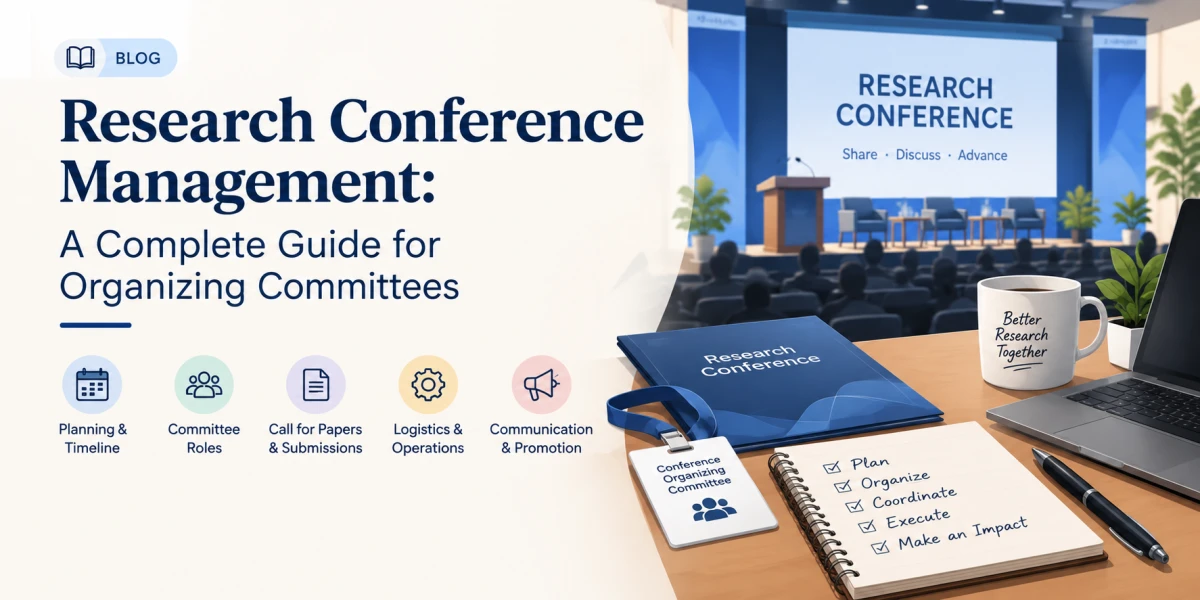

A conference management system is an online platform that runs an academic conference from start to finish. It collects paper submissions, assigns peer reviewers, takes registrations and payments, builds the programme, and publishes the proceedings. Everything lives in one place, so organizers stop juggling spreadsheets, email threads and separate tools.
This guide explains what a conference management system does, which features matter, how to choose one, and how ScholarMeet works as a free option for universities, researchers and student organizers.
What Is a Conference Management System?
A conference management system (often called conference management software) is a single workspace for everyone involved in an event: organizers, authors, reviewers and attendees. Each group sees only what it needs.
- Organizers set up the conference, tracks, deadlines and fees, and monitor progress.
- Authors submit abstracts and full papers, and track their status.
- Reviewers read assigned papers, score them and leave feedback.
- Attendees register, pay and find the schedule.
Why Academic Conferences Need One
Small conferences often start with email and shared spreadsheets. That works for a few dozen papers. It breaks down quickly as the event grows.
- Submissions arrive in different formats and get lost in inboxes.
- Reviewer assignments are tracked by hand, and conflicts of interest are easy to miss.
- Registration and payment records sit in a different file from the accepted-papers list.
- The programme has to be rebuilt every time a session changes.
A conference management system removes this duplicated work and keeps one record of truth.
Core Features of a Conference Management System
1. Call for Papers and Submissions
A public page lists the topics, tracks, rules and deadlines. Authors upload abstracts and full papers directly, so nothing arrives by email.
2. Peer Review Management
Organizers assign papers to reviewers, collect scores and comments, and make accept or reject decisions. Blind review keeps author and reviewer identities hidden when the process requires it. See our guide on how blind peer review works.
3. Registration and Payments
Attendees and authors register online. The system records who has paid and who has not, so organizers do not reconcile bank statements against a list by hand.
4. Programme and Scheduling
Accepted papers are placed into sessions, tracks and rooms. The schedule is published for attendees and updated in one place when something changes.
5. Proceedings
Accepted papers can be compiled into a book of proceedings after the event. Read more in our conference proceedings management guide.
6. Communication
Authors, reviewers and attendees get notifications about deadlines, decisions and schedule changes without organizers writing each message individually.
Manual Process vs. a Conference Management System
| Task | Email and spreadsheets | Conference management system |
|---|---|---|
| Paper submission | Attachments in an inbox | Online form with tracked status |
| Reviewer assignment | Manual, easy to duplicate | Assigned and tracked in one place |
| Registration and payment | Separate sheets and receipts | Recorded automatically |
| Programme | Rebuilt after every change | Updated once, published everywhere |
| Reporting | Compiled by hand | Available from the dashboard |
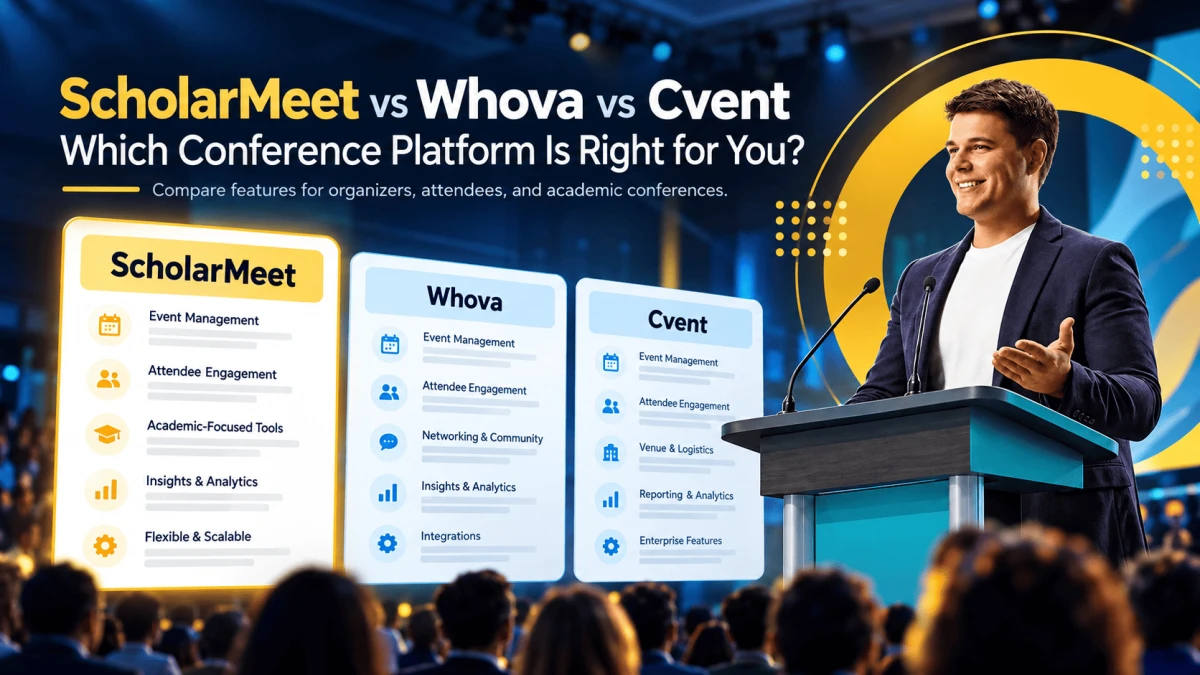
How ScholarMeet Works as a Conference Management System
ScholarMeet is a free, online conference management system built for colleges, universities, researchers and students.
- Create your conference. Add the name, dates, venue, topics and tracks.
- Open the call for papers. Authors submit abstracts and papers online.
- Review and decide. Assign reviewers, collect feedback and finalize decisions.
- Register attendees. Collect registrations and manage payments.
- Publish the programme. Share the schedule and, afterwards, the proceedings.
Your conference also gets a public page, so researchers searching for events can discover it on ScholarMeet.
Who Should Use a Conference Management System?
- Universities and colleges running annual or departmental conferences.
- Research groups organizing workshops and symposiums.
- Student societies hosting their first event with limited budget.
- Associations and institutes that run recurring events.
How to Choose the Right System
Ask these questions before you commit:
- Does it cover the whole workflow, or only registration?
- Does it support the review model you use (single-blind, double-blind or open)?
- Can authors and reviewers use it without training?
- What does it cost, and are there per-paper or per-attendee fees?
- Can you export your data when the event ends?
For a detailed comparison checklist, read how to choose the best conference management tool and 10 essential features of a modern conference management system.
Frequently Asked Questions
What is a conference management system?
It is an online platform that manages paper submissions, peer review, registration, payments, scheduling and proceedings for a conference in one place.
Is a conference management system the same as conference management software?
Yes. The two terms describe the same kind of product. "System" and "software" are used interchangeably. See our page on conference management software.
Is there a free conference management system?
Yes. ScholarMeet is free for academic organizers to create and manage conferences.
Can I run double-blind peer review?
A good system hides author and reviewer identities during review. Learn more in our guide to blind peer review.
Is it only for large conferences?
No. Small workshops benefit as well, because the setup replaces email threads and spreadsheets from the first submission.
How do I get started?
Create your conference on ScholarMeet. You can set up your tracks and open the call for papers the same day.
Conclusion
A conference management system turns a pile of emails and spreadsheets into one organized workflow, from the first submission to the published proceedings. If you are planning an academic event, start your conference on ScholarMeet and manage it all in one place.